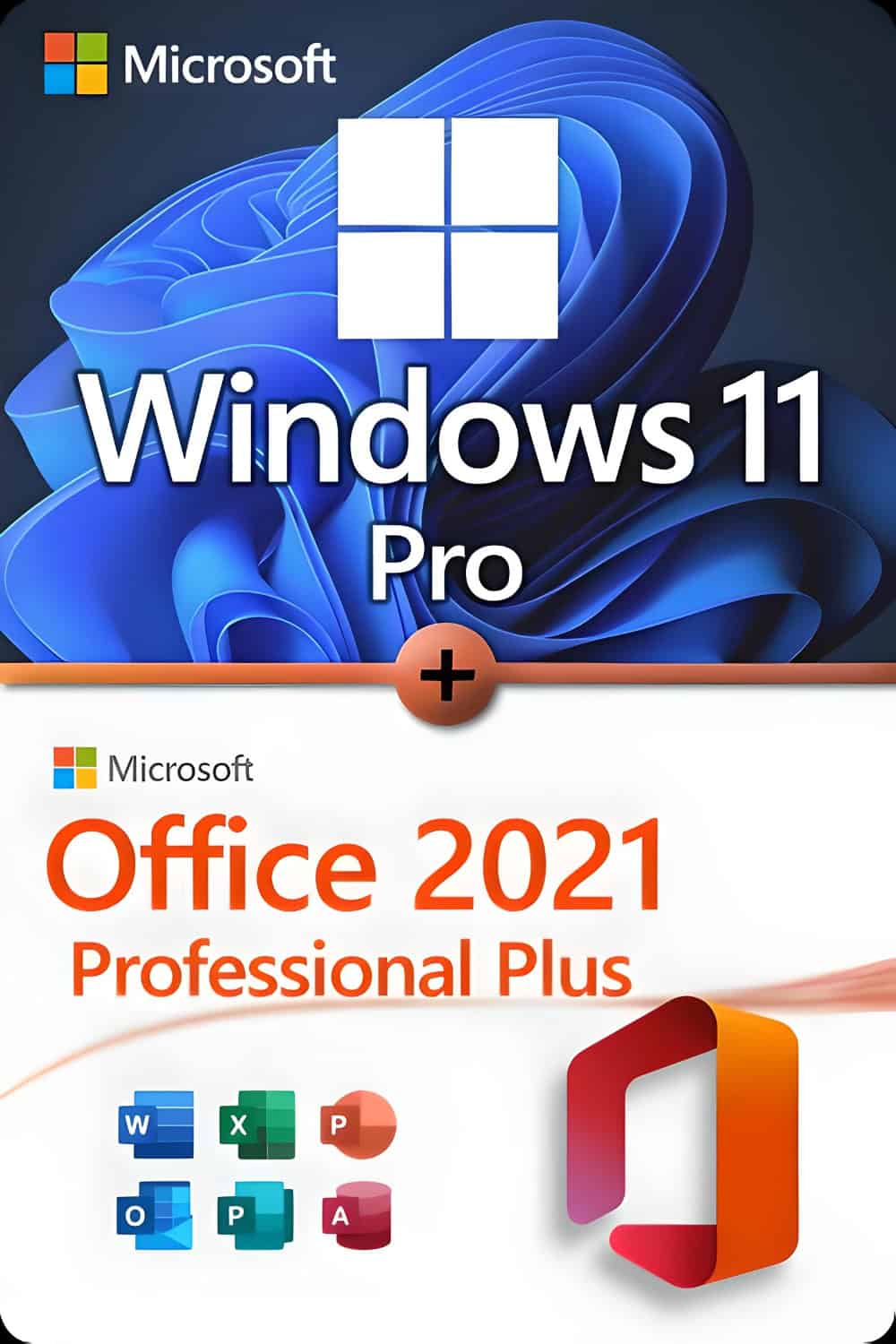

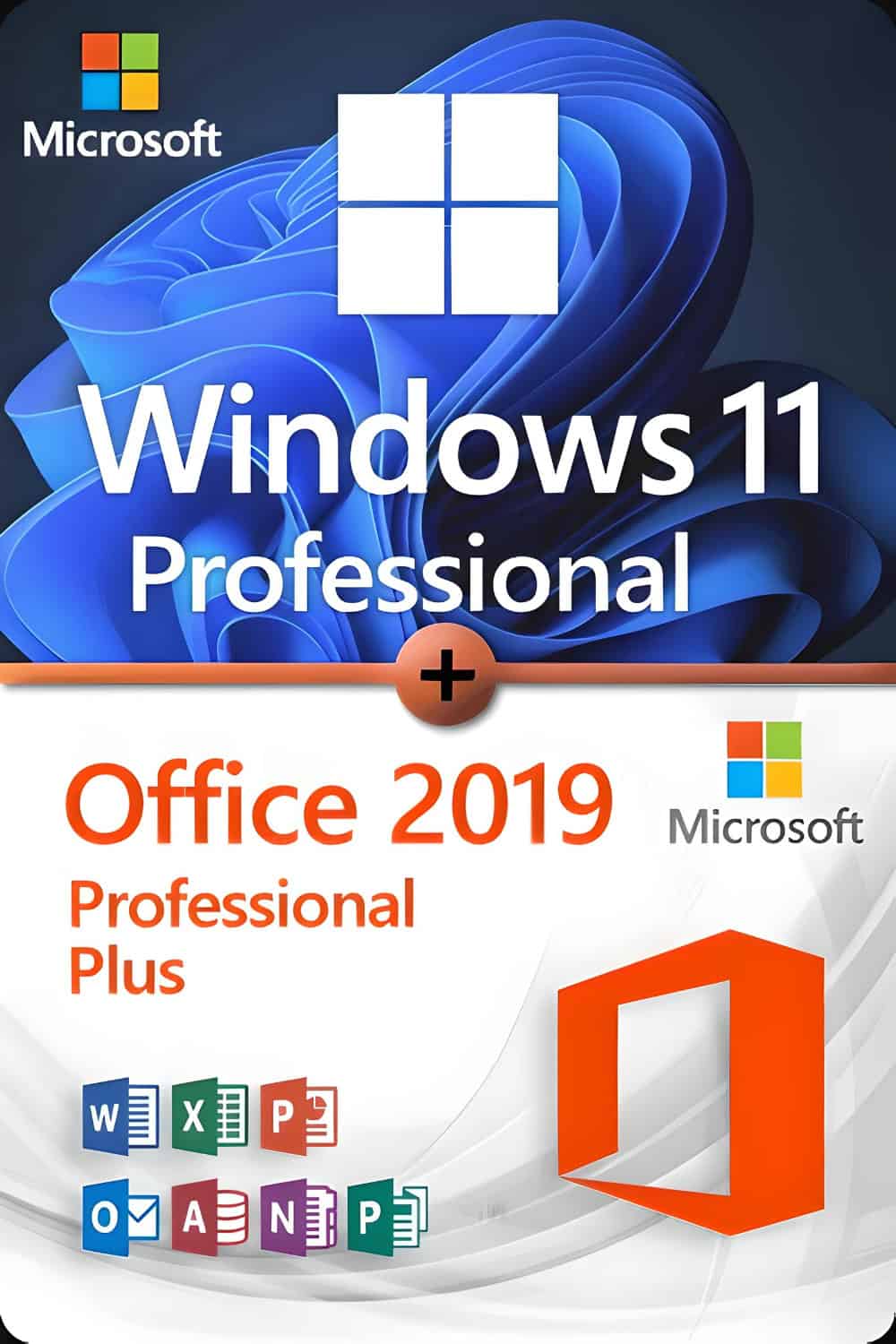








Microsoft Windows 11 Professional
System Requirements
Make sure you are ready for the newest and greatest operating system from Microsoft!
These are the minimum requirements for installing Windows 11 on a PC. If your device does not meet these requirements, you may not be able to install Windows 11.
If you are unsure whether your PC meets these requirements, you can use the PC Health Check app
click here to download.
- Processor: 1 GHz or faster with 2 or more cores on a compatible 64-bit processor or SoC
- RAM: 4 GB
- Storage: 64 GB or larger device
- System firmware: UEFI, Secure Boot capable
- TPM: TPM version 2.0
- Graphics card: DirectX 12 compatible with WDDM 2.0 driver
- Display: 720p, greater than 9”, 8 bits per color channel
-
Internet & account:
Internet connection and Microsoft account required for setup, updates and some features
There may be additional requirements over time for updates and specific features.
Some features in Windows 11 have additional requirements:
- 5G: Requires 5G modem
- Auto HDR: Requires HDR monitor
- BitLocker: Requires USB flash drive
- Hyper-V: Requires SLAT compatible CPU
- Cortana: Requires microphone and speaker
- DirectStorage: NVMe SSD + DirectX12 GPU
- Wi-Fi 6E: Compatible hardware and router
- Windows Hello: Camera or fingerprint reader
- Touch: Multi-touch screen required
- Voice Typing: Microphone required
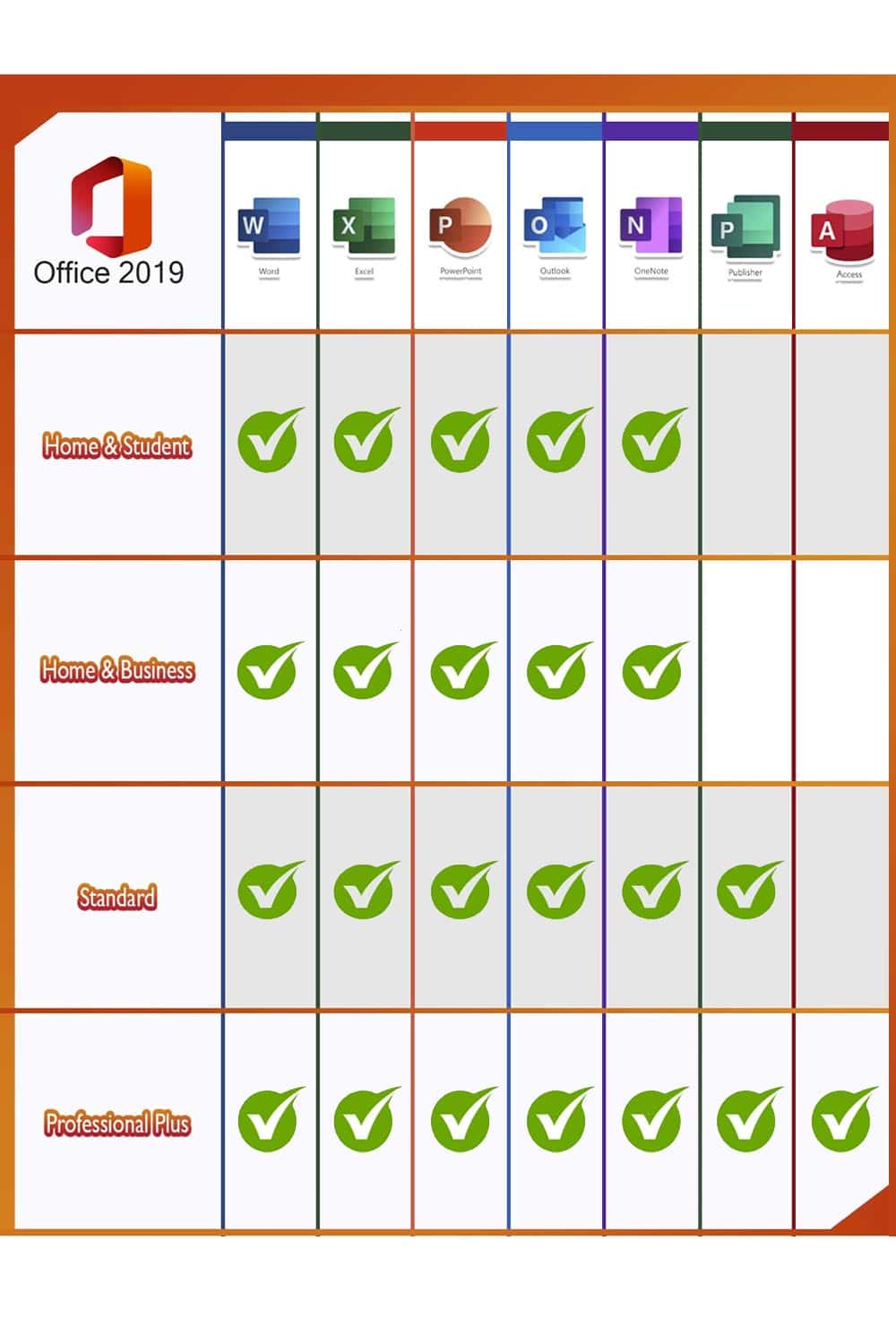
Microsoft Office 2019 Professional Plus
The newest version of the Microsoft Office suite features improvements in usability, functionality and security.
It is compatible with Windows 10 and designed for professional users.
Minimum system requirements
- Windows 10
- 1.6 GHz dual-core CPU
- 2 GB RAM (32-bit) / 4 GB (64-bit)
- 4 GB disk space
Assistance and support:
For any questions, please contact us
by email.
Support is available 24/7.