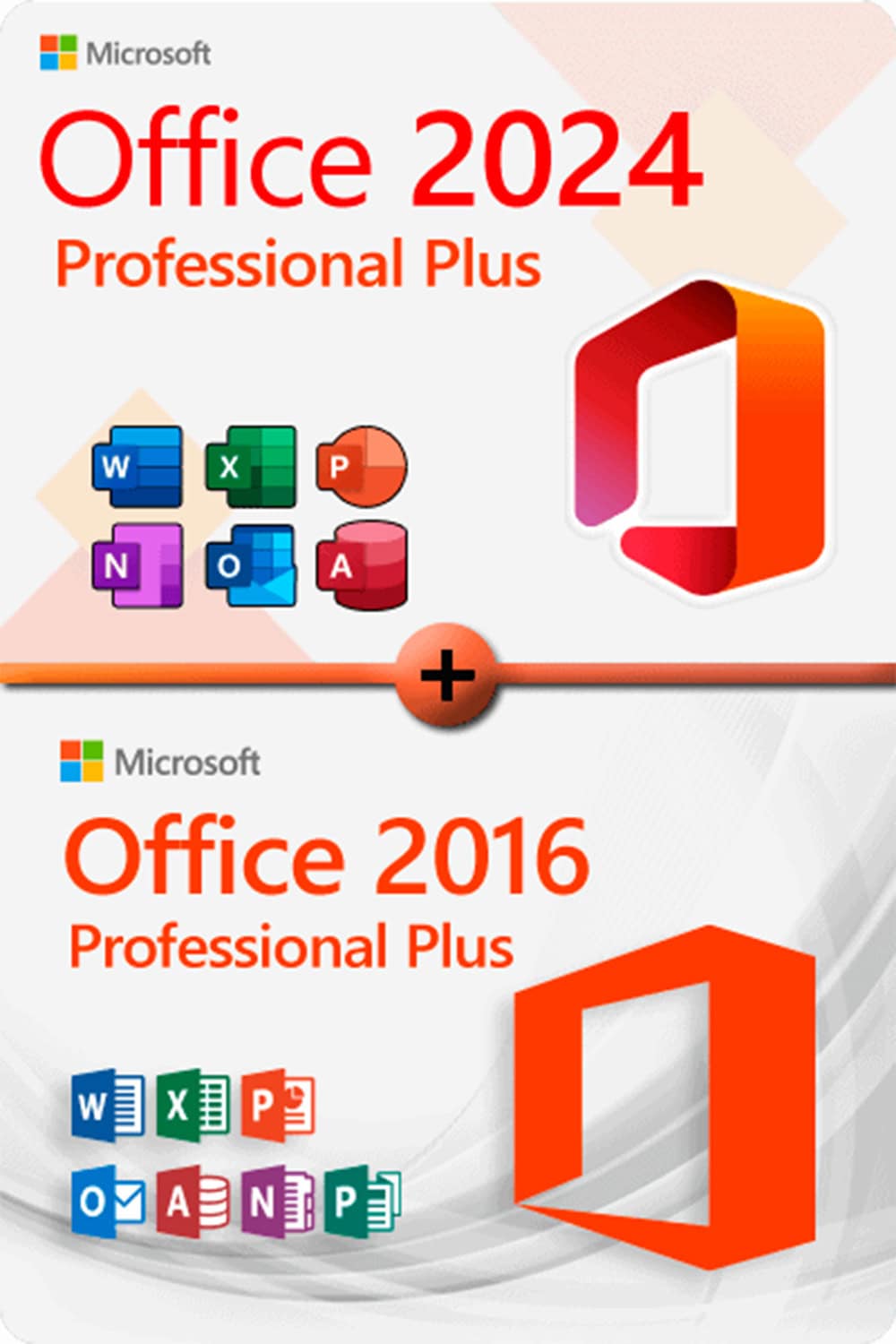

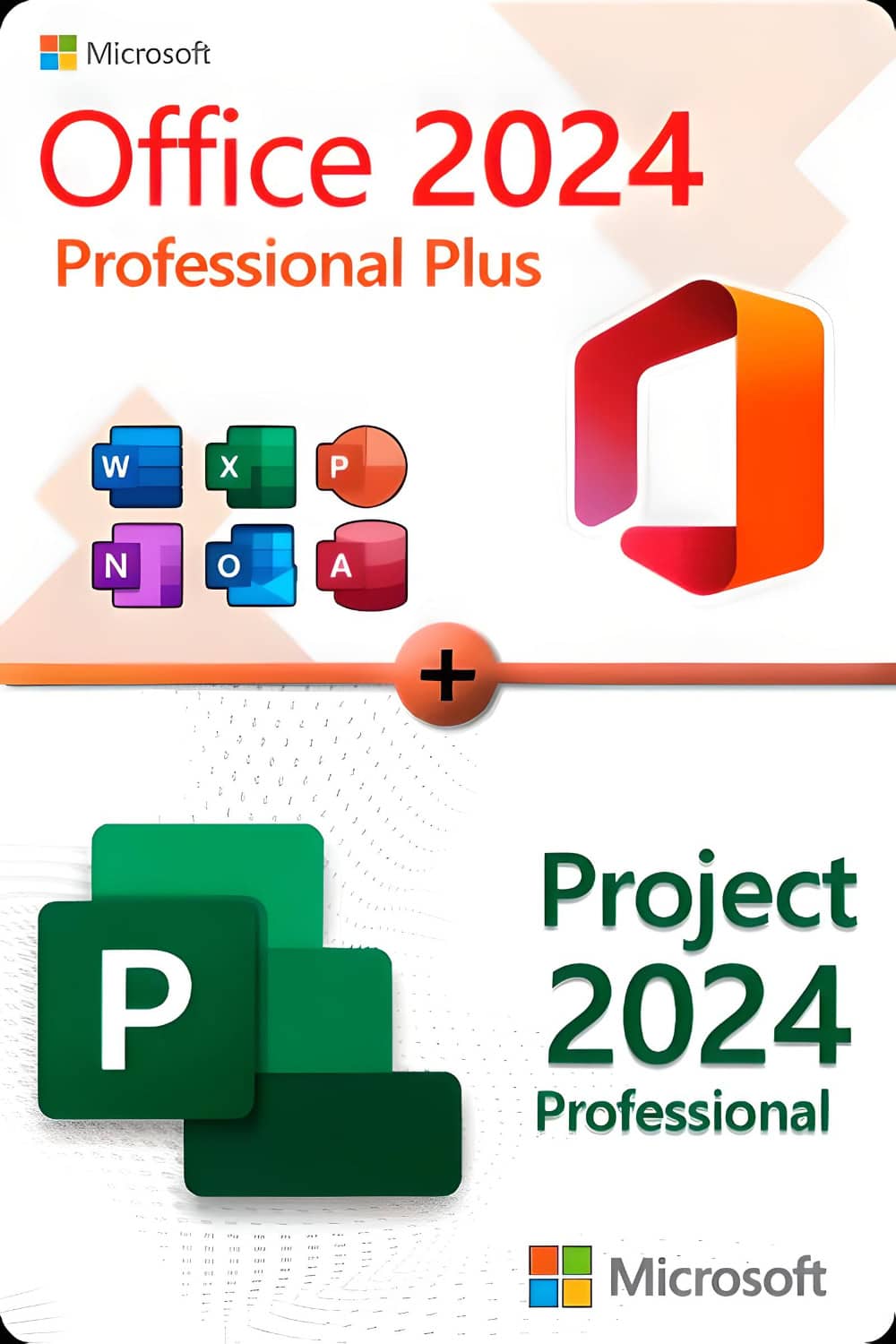




Microsoft Office 2024 Professional Plus
With this licence, the software can be activated on 3 different devices, e.g. home PC, laptop and work PC.
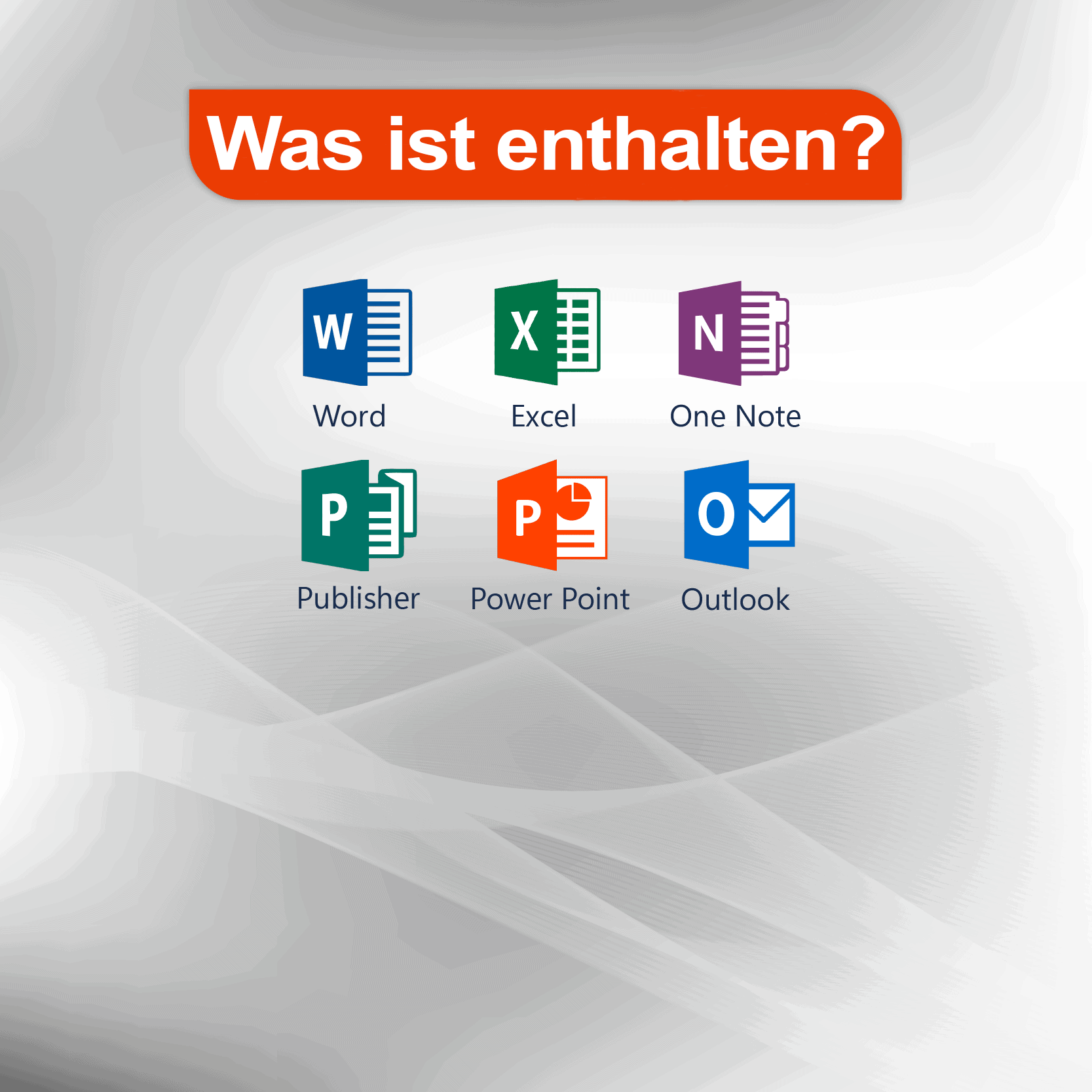
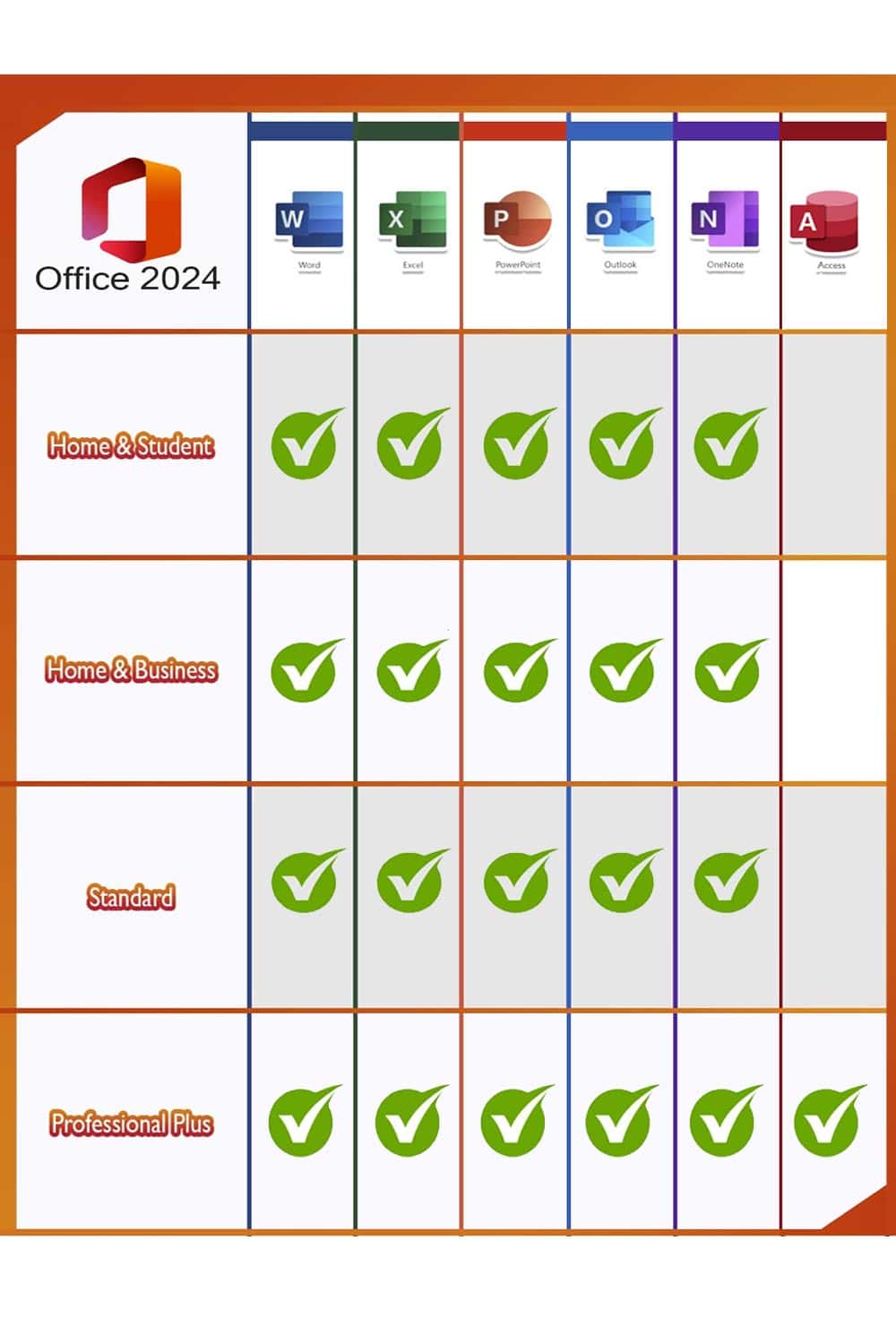
Microsoft Office users who make full use of the range of applications at home or in the office would be well advised to choose the Microsoft Office 2024 Professional Plus Edition. All the key programmes are included: Word, Excel, Outlook, PowerPoint and Access (Publisher is no longer included, as it is due to be phased out in 2026). OneNote is now available to download from the Microsoft Windows Store, allowing you to take notes quickly and make them available across all your devices via the cloud. Given the wide range of different programmes it offers, the Professional Plus version is aimed primarily at people who work from home or in a home office, or who are looking for a powerful and reliable solution for organising documents, spreadsheets and so on in the office.
- WordCreate professional-quality text documents in the blink of an eye.
- ExcelIntelligent spreadsheets for information management.
- PowerPoint: Create impressive dynamic presentations.
- OneNoteYour digital notebook.
- OutlookCommunication made easy.
- AccessDatabase programming for browser-based applications
Important notice: Teams is included in this version of Office NOT Contains!
Operating system requirement: Microsoft Windows 10 or 11
Microsoft Project 2024 Professional
Microsoft Project 2024 offers new features and enhancements that help teams organise their work more effectively, manage tasks, and control budgets and resources. This new version brings significant innovations that will benefit both beginners and professionals working on projects of any complexity:
- New, more intuitive and customisable user interface and improved user navigation with flexible data display
- Pre-made templates help you get your project started in no time.
- Synchronization with Project Online and Project Server for integration and resource management
- What-if scenarios help optimise task assignment through scenario simulations
- Improve your planning by automatically filling start and end dates based on dependencies
- Gebruik meerdere tijdlijnen voor een duidelijke visuele weergave van complexe planningen
- New features for data display and analysis, easy switching between different types of information presentation, including Kanban and Scrum boards
- Support for Agile, Scrum, Waterfall and hybrid approaches, allowing users to combine elements from different methodologies.