
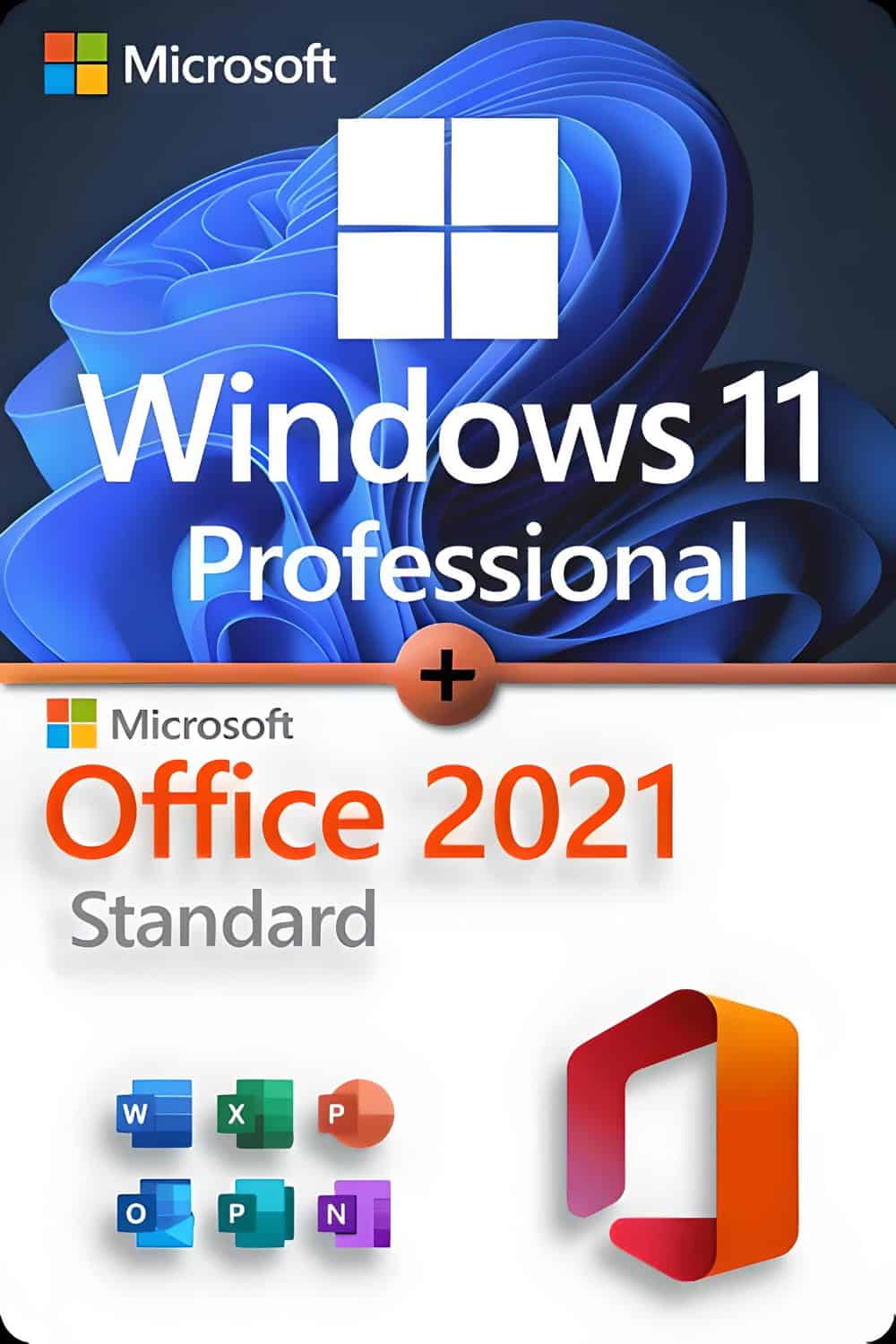






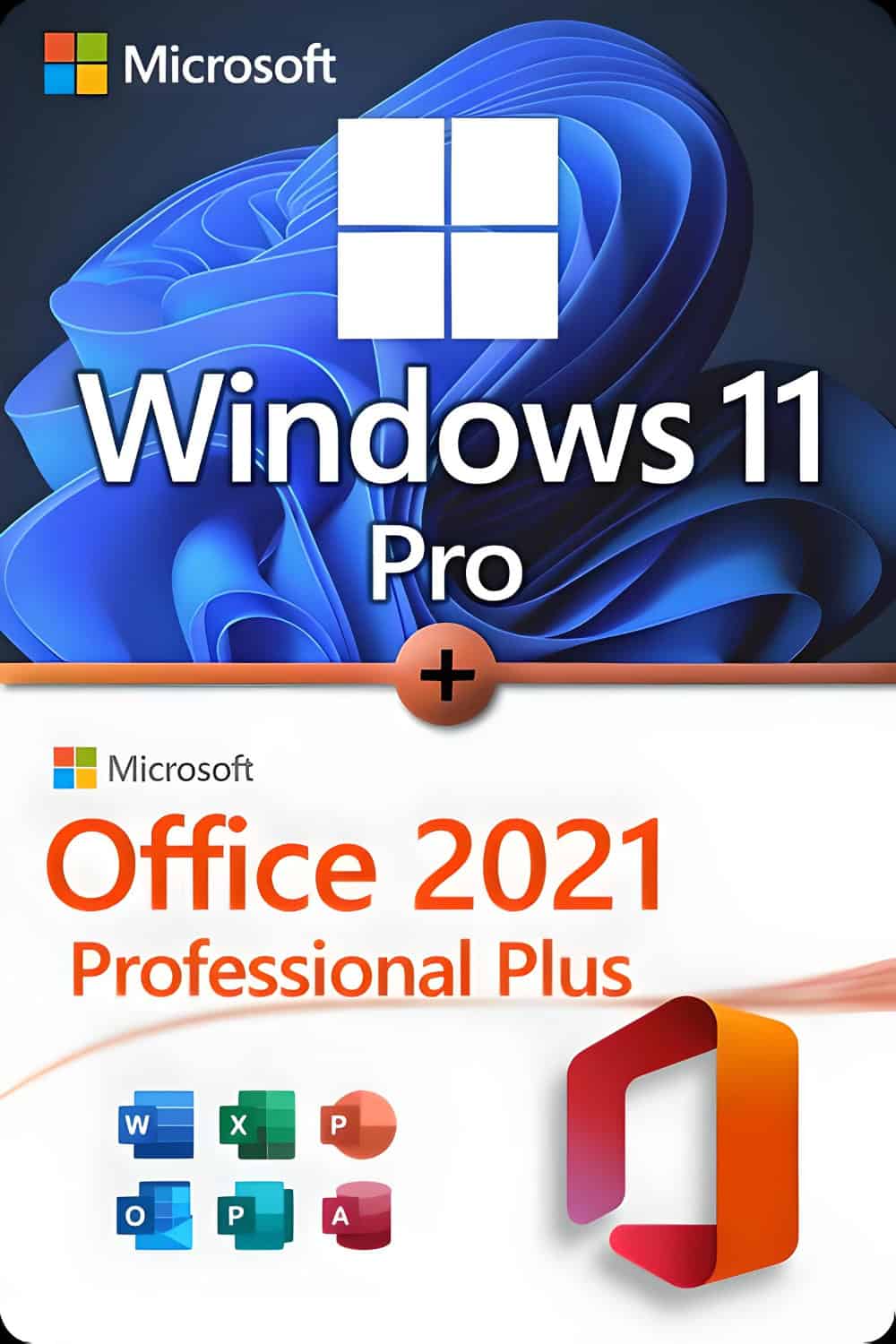
Microsoft Windows 11 Professional Licence for 3 PCs
-
Processor
1 Gigahertz (GHz) or faster with 2 or more cores on a
compatible 64-bit processor
or system-on-a-chip (SoC) -
RAM:
4 Gigabytes (GB) -
Storage
64 GB or larger storage devicePlease see below for more information
“Further information on storage space to keep Windows 11 up to date. -
System Firmware
UEFI with Secure Boot-capable TPM -
TPM
Trusted Platform Module (TPM) Version 2.0 -
Graphics card
Compatible with DirectX 12 or later with WDDM 2.0 drivers -
Advertisement:
High-definition screen (720p) with a diagonal of more than 9 inches, 8 bits per colour channel -
Internet connection and Microsoft accounts:
Windows 11 Home Edition requires an internet connection and a Microsoft account.,
To complete the device setup on first use.Switching a device from Windows 11 Home mode to S mode also requires an internet connection.
Internet access is required for all Windows 11 editions to perform updates
and download and use some features. Some features require a Microsoft account.
Over time, additional requirements for updates and for the activation of specific operating system functions may arise.
For some features in Windows 11, higher requirements apply than those listed above in the minimum requirements section. Below are some additional details about the requirements for important features:
- 5G support requires a 5G-enabled modem.
- Auto HDR Requires an HDR monitor.
- BitLocker to Go requires a USB flash drive (available in Windows Pro and higher editions).
- Hyper-V Customer requires a processor with SLAT (Second Level Address Translation) capabilities (available in Windows Pro and higher editions).
- Cortana requires a microphone and speaker and is currently available on Windows 11 for Australia, Brazil, Canada, China, France, Germany, India, Italy, Japan, Mexico, Spain, the United Kingdom and the United States.
- DirectStorage requires an NVMe SSD to store and run games that use the “Standard NVM Express Controller” driver, and a DirectX 12 GPU with Shader Model 6.0 support.
- DirectX 12 Ultimate is available with supported games and graphics chips.
- Presence requires a sensor that can detect the person's distance to the device or their intent to interact with the device.
- Intelligent Video Conferencing Requires video camera, microphone and speakers (audio output).
- Multiple Voice Assistant (MVA) Requires a microphone and a speaker.
- Snap For three-column layouts, a screen with an effective width of 1920 pixels or more is required.
- Mute/Unmute from the taskbar Requires video camera, microphone, and speakers (audio output). The app must be compatible with the function to enable/disable global mute.
- Spatial audio requires supporting hardware and software.
- Teams requires a video camera, a microphone, and a speaker (audio output).
- Touch requires a screen or monitor that supports multi-touch.
- Two-factor authentication requires the use of a PIN, biometric data (fingerprint reader or illuminated infrared camera), or a phone with Wi-Fi or Bluetooth capabilities.
- Voice input requires a PC with a microphone.
- Wake on Voice requires a Modern Standby Power Model and a microphone.
- Wi-Fi 6E requires new WLAN IHV hardware and drivers, as well as a Wi-Fi 6E-capable AP/router.
- Windows Hello Requires a camera configured for Near-Infrared (IR) imaging, or a fingerprint reader for biometric authentication. Devices without biometric sensors can use Windows Hello with a PIN or a portable Microsoft-compatible security key.
- Window Projection requires a display adapter that supports Windows Display Driver Model (WDDM) 2.0 and a Wi-Fi adapter that supports Wi-Fi Direct.
- Xbox (App) Requires an Xbox Live account, which is not available in all regions. See the latest availability information under Xbox Live countries and regions. Some features in the Xbox app require an active Xbox Game Pass subscription. Learn more about the Pass.
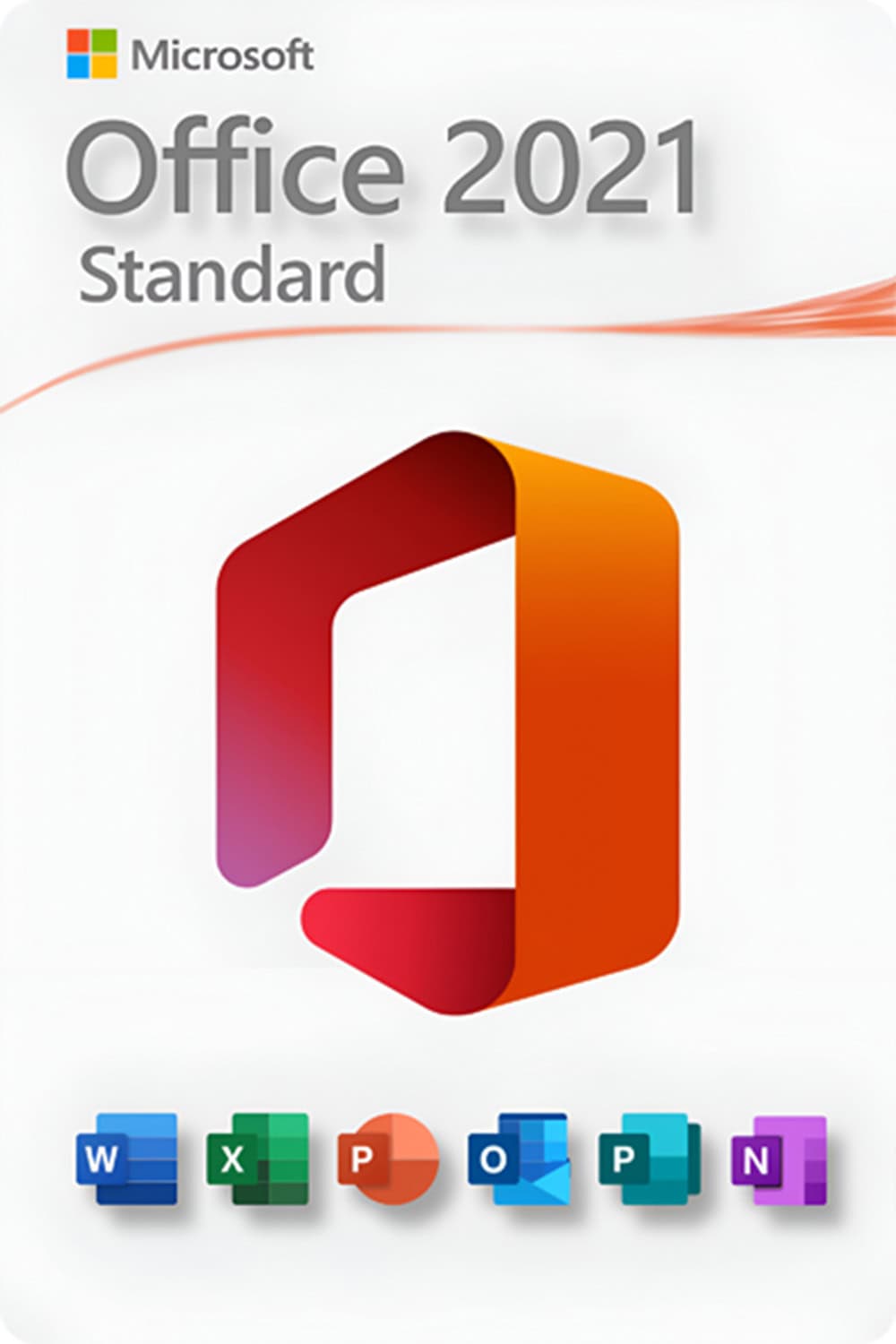
Microsoft Office 2021 Standard
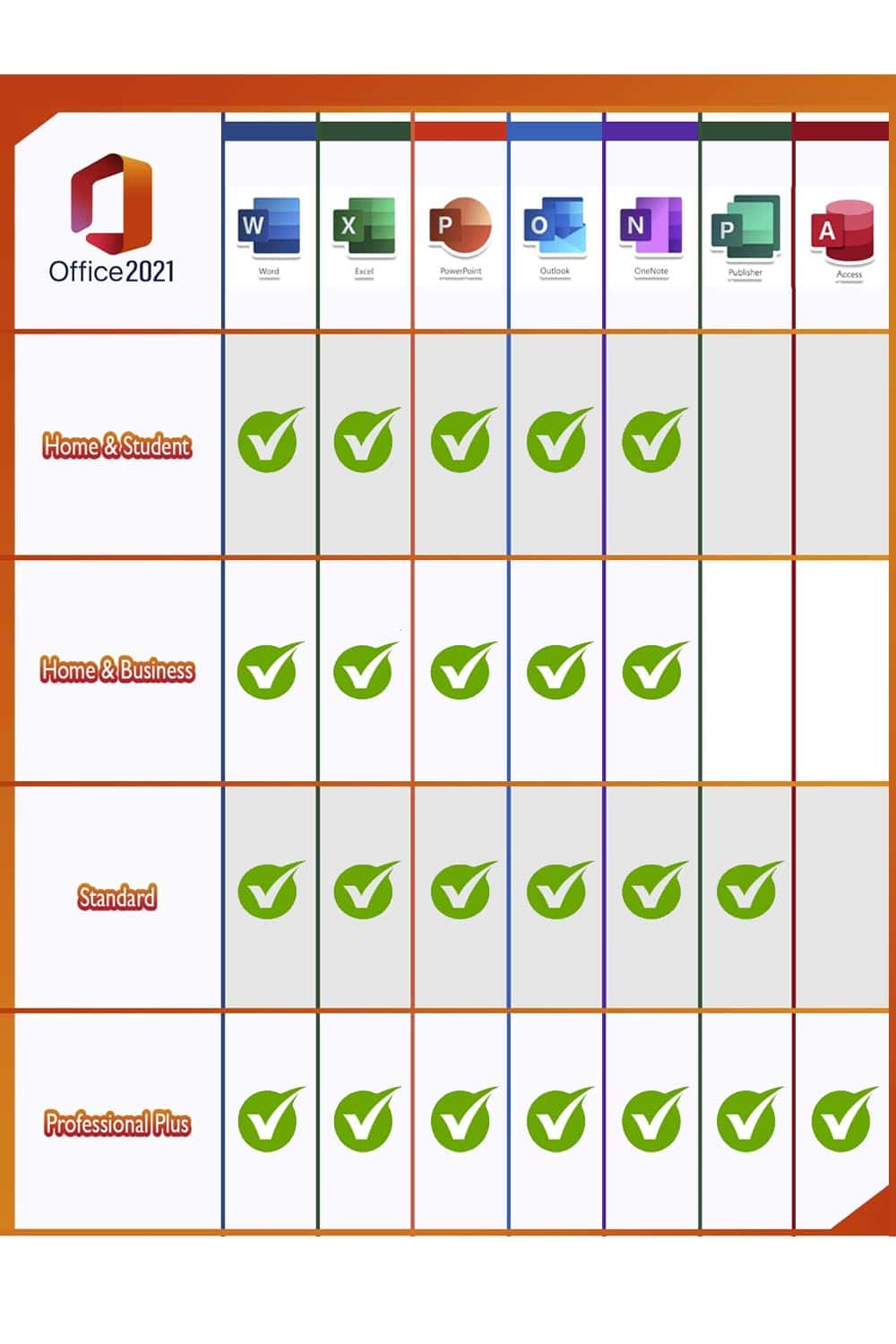
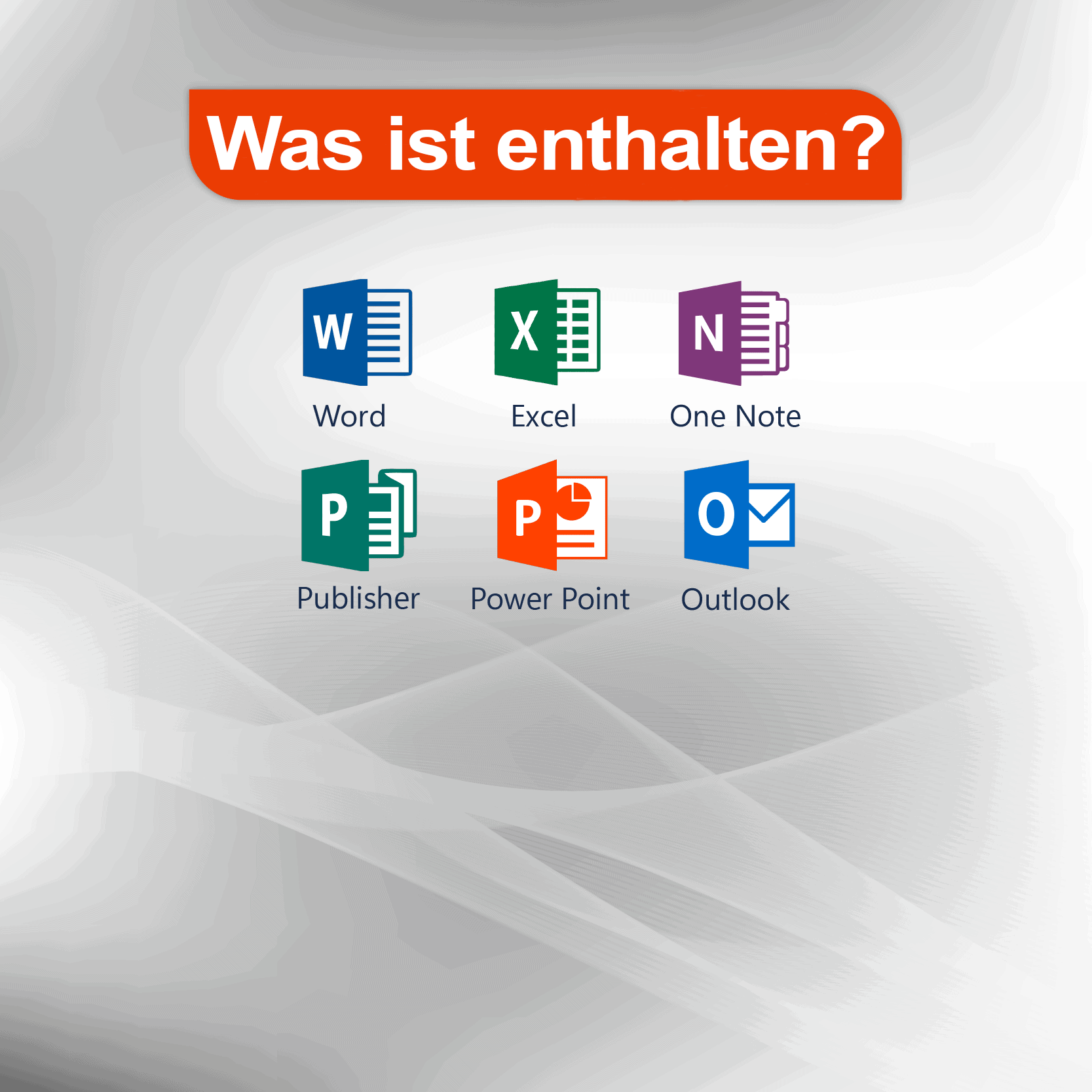
Microsoft Office users who make full use of the range of applications at home or in the office would be well advised to choose Microsoft Office 2021 Standard Edition. All the key programmes are included: Word, Excel, Outlook, PowerPoint, Publisher and Access. OneNote is now available to download from the Windows Store, allowing you to take notes quickly and make them available across all your devices via the cloud. Given the wide range of different programmes it offers, the Standard Edition is aimed primarily at people who work from home using Home Office or who are looking for a powerful, reliable solution in the office for organising documents, spreadsheets and so on.
- Microsoft WordCreate professional-quality text documents in the blink of an eye.
- Microsoft ExcelIntelligent spreadsheets for information management.
- Microsoft PowerPointCreate impressive, dynamic presentations.
- Microsoft OneNoteYour digital notebook.
- Microsoft OutlookCommunication made easy.
- Microsoft Publisher: Layout creation for professional publications
Works only on Windows 10 or 11!



Topi Stanculjevic – :
The product was exactly what I ordered and at a great price. Customer service was excellent and prompt. Thank you again for helping me.