








Windows 11 Home
Required configuration
Ensure you are ready for Microsoft's most advanced and performant operating system.
The family edition is perfect for occasional use, games and creative work.
These are the minimum requirements for installing Windows 11 Family on a PC.
If your device does not meet these requirements, you may not be able to install Windows 11.
If you're unsure whether your PC meets these requirements, you can use the PC Health Check app.
(requires Windows 10, Cliquez ici pour télécharger).
- Processor: 1 GHz or faster with 2 or more cores on a 64-bit processor or compatible SoC
- RAM 4 Go
- Storage 64 GB or more
- System firmware UEFI, Secure Boot compatible
- TPM TPM version 2.0
- Graphics card Compatible DirectX 12 with WDDM 2.0 driver
- Display: HD (720p) screen larger than 9”
- Internet Internet connection + Microsoft account required
Additional requirements may arise over time for updates and certain features.
Advantages of Windows 11 Family
- 5G requires a compatible modem
- Auto HDR requires an HDR display
- BitLocker To Go: requires a USB key (Pro and higher versions)
- Hyper-V requires a processor with SLAT
- Cortana: requires a microphone and speakers
- DirectStorage: requires an NVMe SSD and a DirectX 12 GPU
- Snap screen ≥ 1920px
- Teams: requires camera and audio
- Touch requires a touch screen
- Windows Hello: Biometrics or PIN
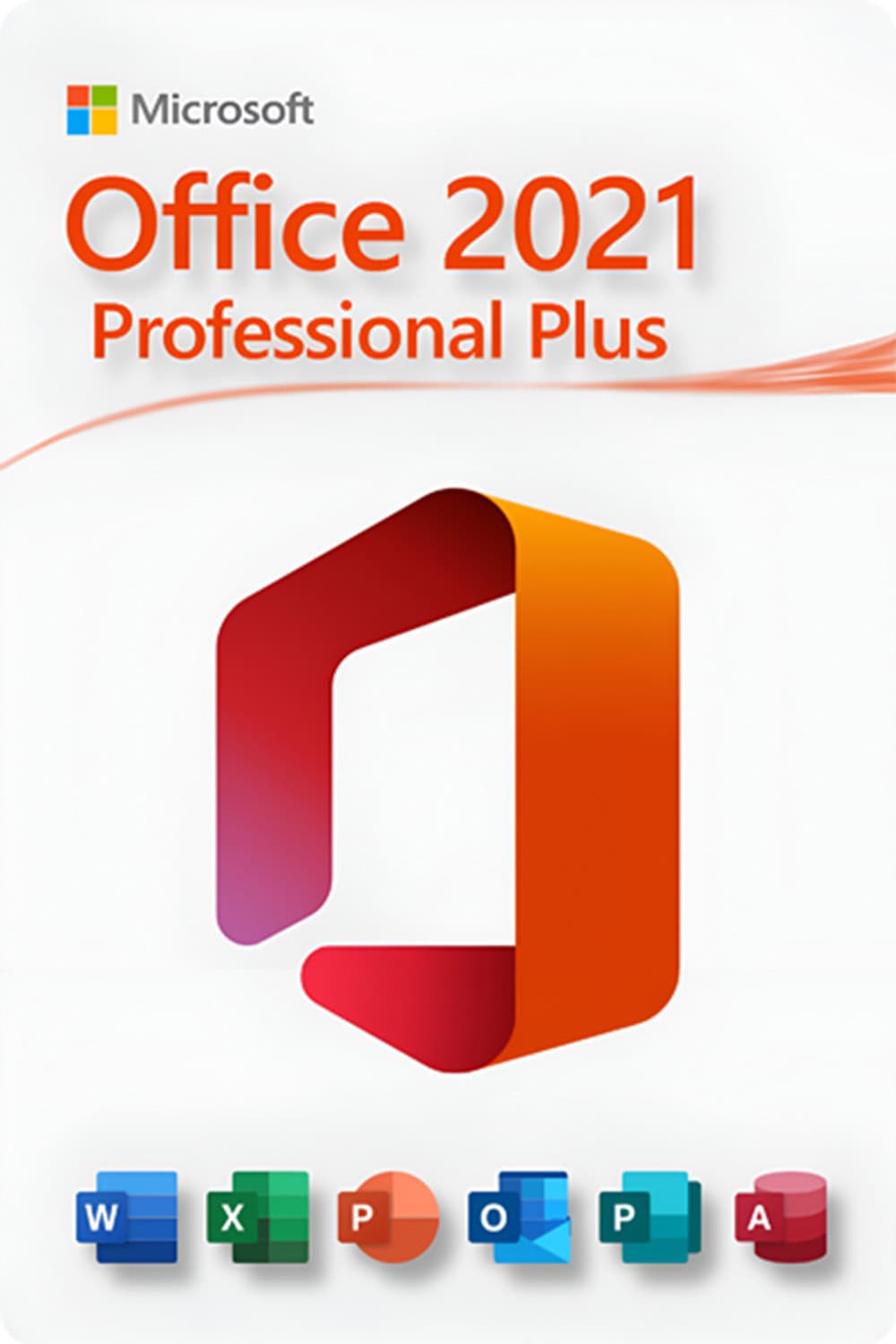
Microsoft Office 2021 Standard
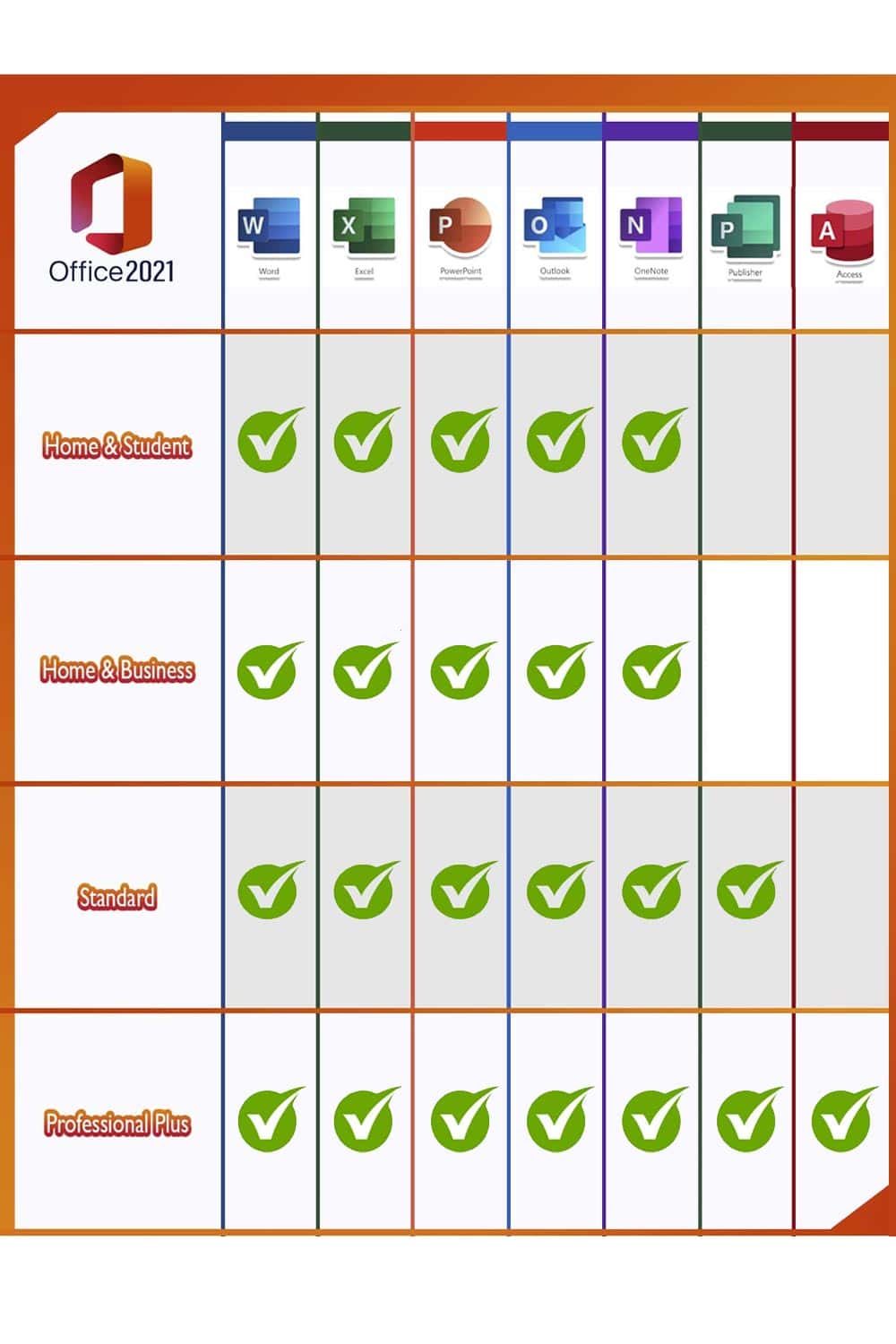
Office 2021 includes Word, Excel, Outlook, PowerPoint, Publisher, and Access.
OneNote is available via the Windows Store for cloud-based syncing.
- Word Text processing
- Excel: Spreadsheets
- PowerPoint Presentations
- OneNote: Taking notes
- Outlook: Email management
- Publisher: layout