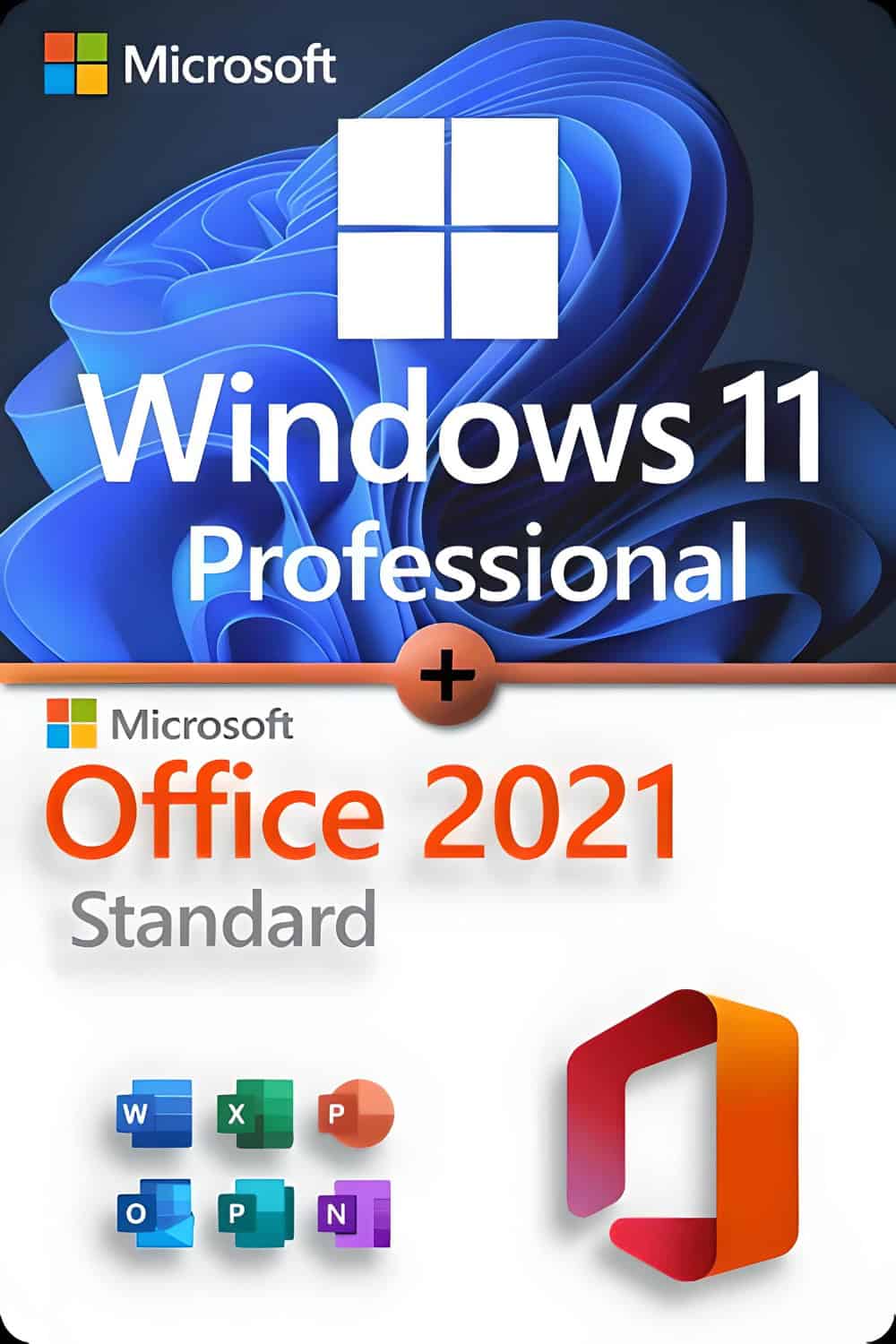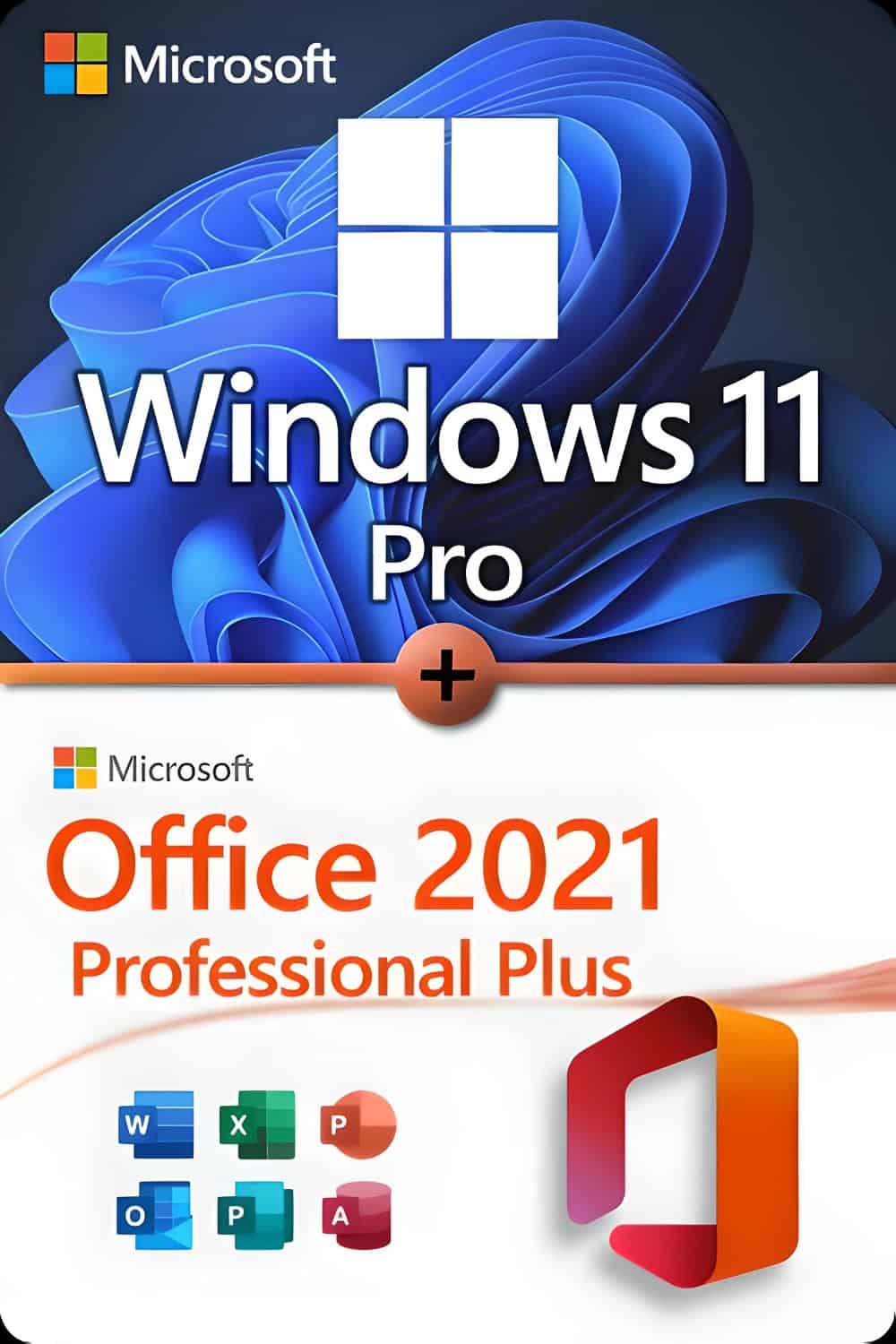








Microsoft Windows 11 Professional
System requirements
Make sure you are prepared for the latest Microsoft operating system.
These are the minimum requirements for installing Windows 11 on a PC.
If your device does not meet these requirements, it may not be able to install it.
If you are not sure, you can use the PC Health Check app:
Download here.
- Processor: 1 GHz or more, with 2 cores in a 64-bit CPU or SoC
- RAM 4 GB
- Storage: 64 GB or more
- Firmware: UEFI with secure boot
- TPM Version 2.0
- Graphs: Compatible with DirectX 12 (WDDM 2.0)
- Screen: 720p, more than 9″, 8 bits per channel
- Internet required for configuration and updates
Additional requirements may be added over time for specific updates or features.
Functions with additional requirements
- 5G requires a compatible modem
- Auto HDR requires HDR monitor
- BitLocker To Go: requires USB (Pro or higher)
- Hyper-V requires CPU with SLAT
- Cortana: requires microphone and speaker
- DirectStorage: NVMe SSD + compatible GPU
- Wi-Fi 6E Hardware compatible
- Windows Hello: IR camera or fingerprint reader
- Tactile: Multi-touch screen
Project 2024 Professional
Microsoft Project Professional 2024 offers advanced features for planning,
Project management and analysis. It is designed for companies and takes full advantage of it
Windows 10 and 11.
Office 2024 Professional
Includes applications such as Word, Excel, PowerPoint, Outlook, and Access.
It is aimed at professional users who need a complete solution.
- Word Professional documents
- Excel: Data management
- PowerPoint Presentations
- OneNote: Digital notes
- Outlook: Mail and communication
- Access: Databases
Note: This version does not include Microsoft Teams.
Visio 2024 Professional
Microsoft Visio Professional 2024 allows you to create advanced diagrams and visualizations.
It is ideal for business environments where several users work together.
Includes improvements in design, collaboration, and real-time data visualization.