
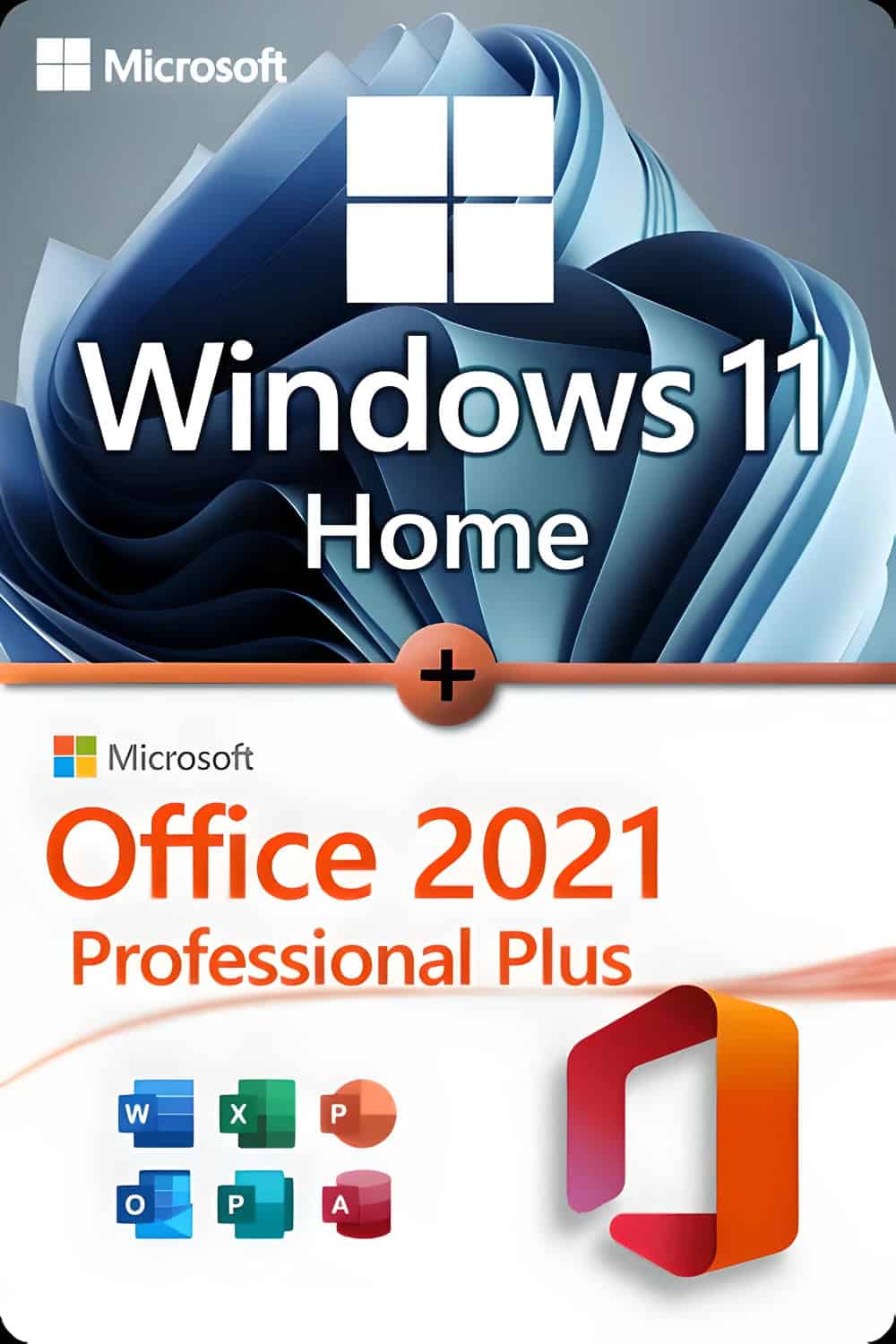






Windows 11 Home (versione completa illimitata da un Microsoft Gold Partner certificato)
-
Processor
1 gigahertz (GHz) or faster with 2 or more cores on a
64-bit processor compatible
System on a Chip (SoC) -
RAM
4 gigabytes (GB) -
Warehousing
64GB storage device or moreNote: See the “More information about storage to keep Windows 11 up to date” section below for more details.
-
System firmware
UEFI, Secure Boot compatible -
TPM
Trusted Platform Module (TPM) version 2.0 -
Graphics card
Compatible with DirectX 12 or later with WDDM 2.0 drivers -
Screen
High-definition (720p) display with a diagonal larger than 9 inches, 8 bits per colour channel -
Internet connection and Microsoft account:
Windows 11 Home Edition requires internet connectivity and a Microsoft account to complete device setup on first use.Exiting Windows 11 Home in S mode also requires internet connectivity.
For all editions of Windows 11, internet access is required to perform updates, download and take advantage of some features. Some features require a Microsoft account.
Over time, there may be additional requirements for updates and requirements for activating specific features within the operating system.
I vantaggi di Windows 11 Home
Some Windows 11 features have increased requirements beyond those listed above in the minimum requirements section. Below are some additional details regarding the requirements for the core functionalities:
- 5G support requires a 5G-compatible modem.
- Automatic HDR requires an HDR monitor.
- BitLocker to Go requires a USB flash drive (available on Windows Pro and later versions).
- The Hyper-V client requires a processor with SLAT (Second Level Address Translation) capabilities (available in Windows Pro and later).
- Cortana requires a microphone and a speaker and is currently available on Windows 11 for Australia, Brazil, Canada, China, France, Germany, India, Italy, Japan, Mexico, Spain, the United Kingdom and the United States.
- DirectStorage requires an NVMe SSD for storing and running games that use the “Standard NVM Express Controller” driver and a DirectX12 GPU with Shader Model 6.0 support.
- DirectX 12 Ultimate It is available with supported games and graphics chips.
- Presence requires a sensor that can detect human distance from the device or intent to interact with the device.
- Intelligent Video Conferencing requires video camera, microphone and speaker (audio output).
- Multiple Voice Assistant (MVA) requires a microphone and speaker.
- Snap three-column layouts require a screen that is 1920 effective pixels or greater in width.
- Mute/Unmute from Taskbar requires video camera, microphone, and speaker (audio output). App must be compatible with feature to enable global mute/unmute.
- Spatial Sound requires supporting hardware and software.
- Teams requires video camera, microphone, and speaker (audio output).
- Touch requires a screen or monitor that supports multi-touch.
- Two-factor Authentication requires use of PIN, biometric (fingerprint reader or illuminated infrared camera), or a phone with Wi-Fi or Bluetooth capabilities.
- Voice Typing requires a PC with a microphone.
- Wake on Voice requires Modern Standby power model and microphone.
- Wi-Fi 6E requires new WLAN IHV hardware and driver and a Wi-Fi 6E capable AP/router.
- Windows Hello requires a camera configured for near infrared (IR) imaging or fingerprint reader for biometric authentication. Devices without biometric sensors can use Windows Hello with a PIN or portable Microsoft compatible security key.
- Windows Projection requires a display adapter which supports Windows Display Driver Model (WDDM) 2.0 and a Wi-Fi adapter that supports Wi-Fi Direct.
- Xbox (app) requires an Xbox Live account, which is not available in all regions. See Xbox Live Countries and Regions for the most up-to-date information on availability. Some features in the Xbox app will require an active Xbox Game Pass subscription. Learn more about the pass.
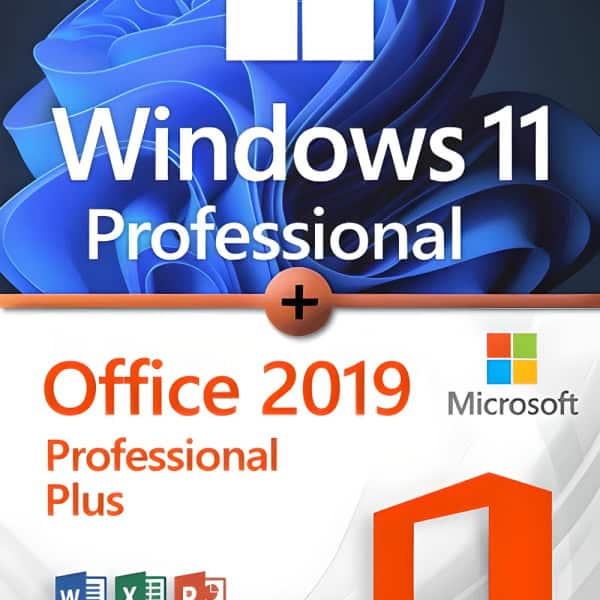
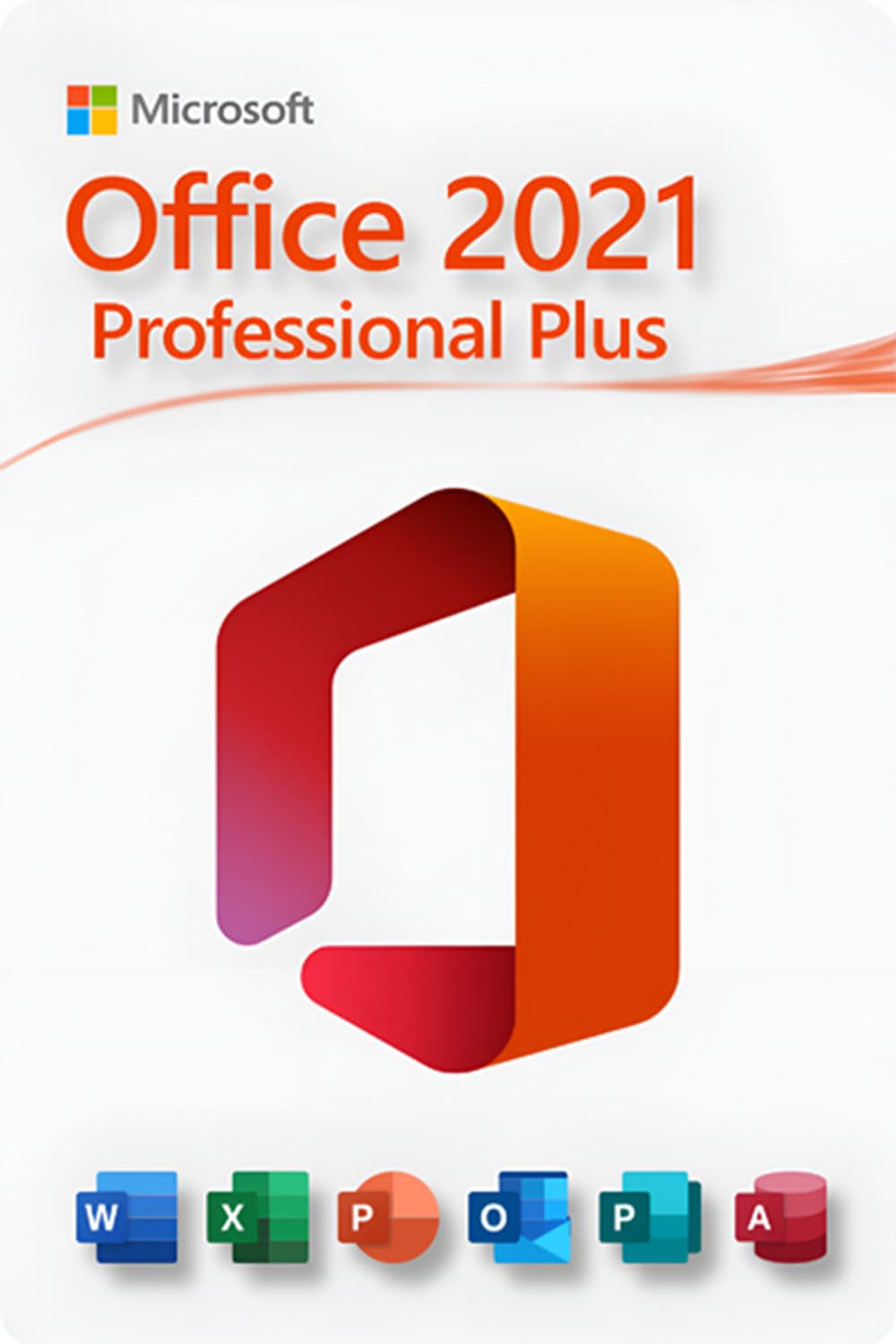
Microsoft Office 2021 Professional Plus (full unlimited version from a certified Microsoft Gold Partner)
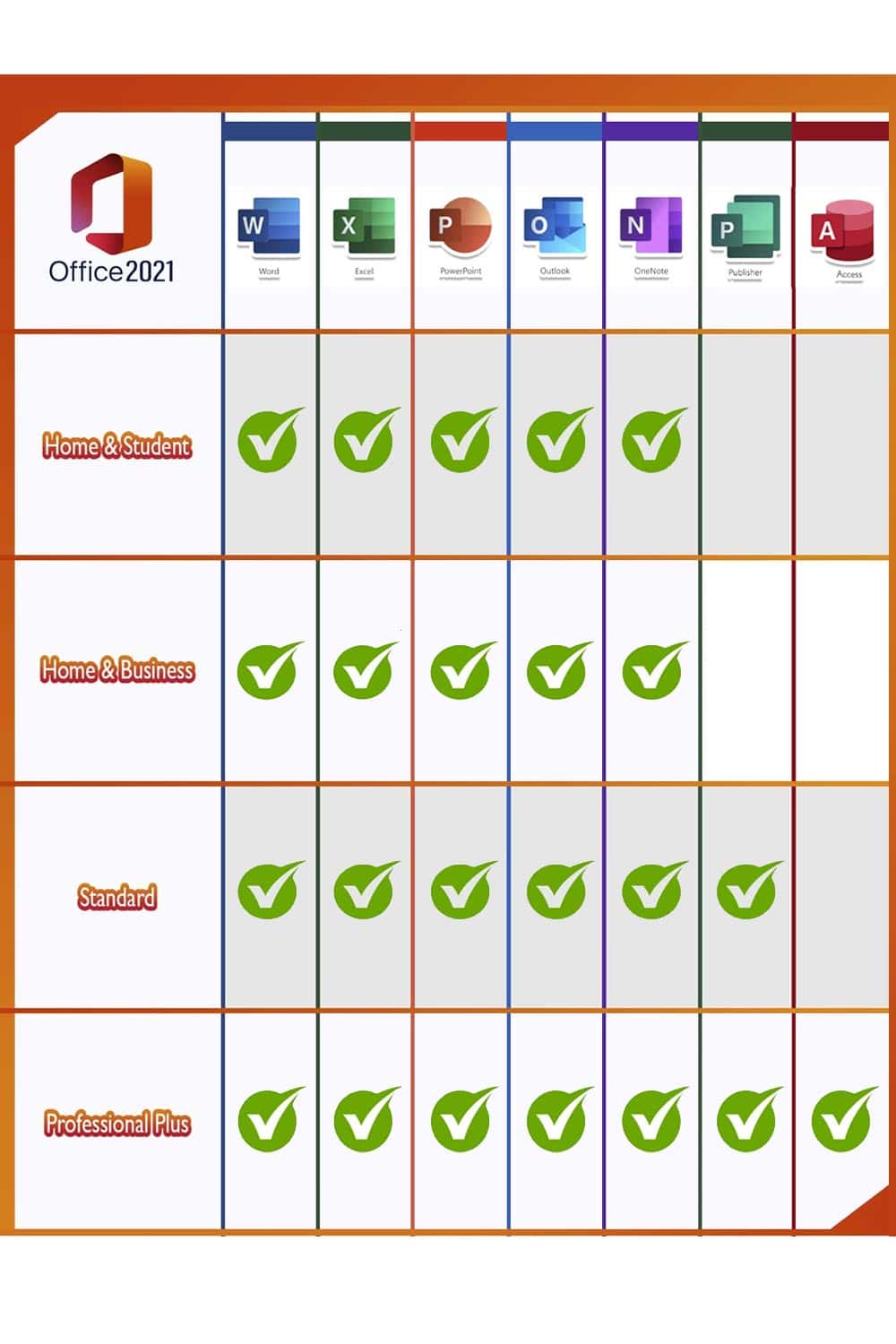
Microsoft Office users who use the full range of applications at home or in the office are well advised with the Office 2021 Professional Plus Edition. All important programs are included: Word, Excel, Outlook, PowerPoint, Publisher and Access. OneNote is now available for download from the Windows Store so that you can quickly take notes and make them available on all devices via the cloud. Due to the wide range of different programs, the Professional Plus version is aimed primarily at people who work at home, in the home office, or who, are looking for a powerful, reliable solution in an office to organize documents, tables, etc.
- Word: Create professional-quality text documents in no time.
- Excel: Intelligent spreadsheet for information management.
- PowerPoint Create dynamic and impactful presentations.
- OneNote your digital notebook.
- Prospects Communication becomes simple.
- Publisher Creating layouts for professional publications.
- Access Database programming for browser-based apps.
- Microsoft Teams Increased productivity thanks to instant messaging and HD video conferencing. (Available separately for download)
NOTE: Microsoft no longer includes a Teams licence with Office products because of a European Commission investigation. Can you download Teams to use it with a free or paid licence (separate purchase) depending on your needs.



Erik Rupprecht – :
Everything went right thank you
Johann Maier – :
Great product. Awesome customer service. Fantastic first time impression.
Carmen Röhrs – :
I will purchase this license now very specifically for my computer studies.
Alexander Löbach – :
Excellent. Win 11 license everything correct and instantly.