
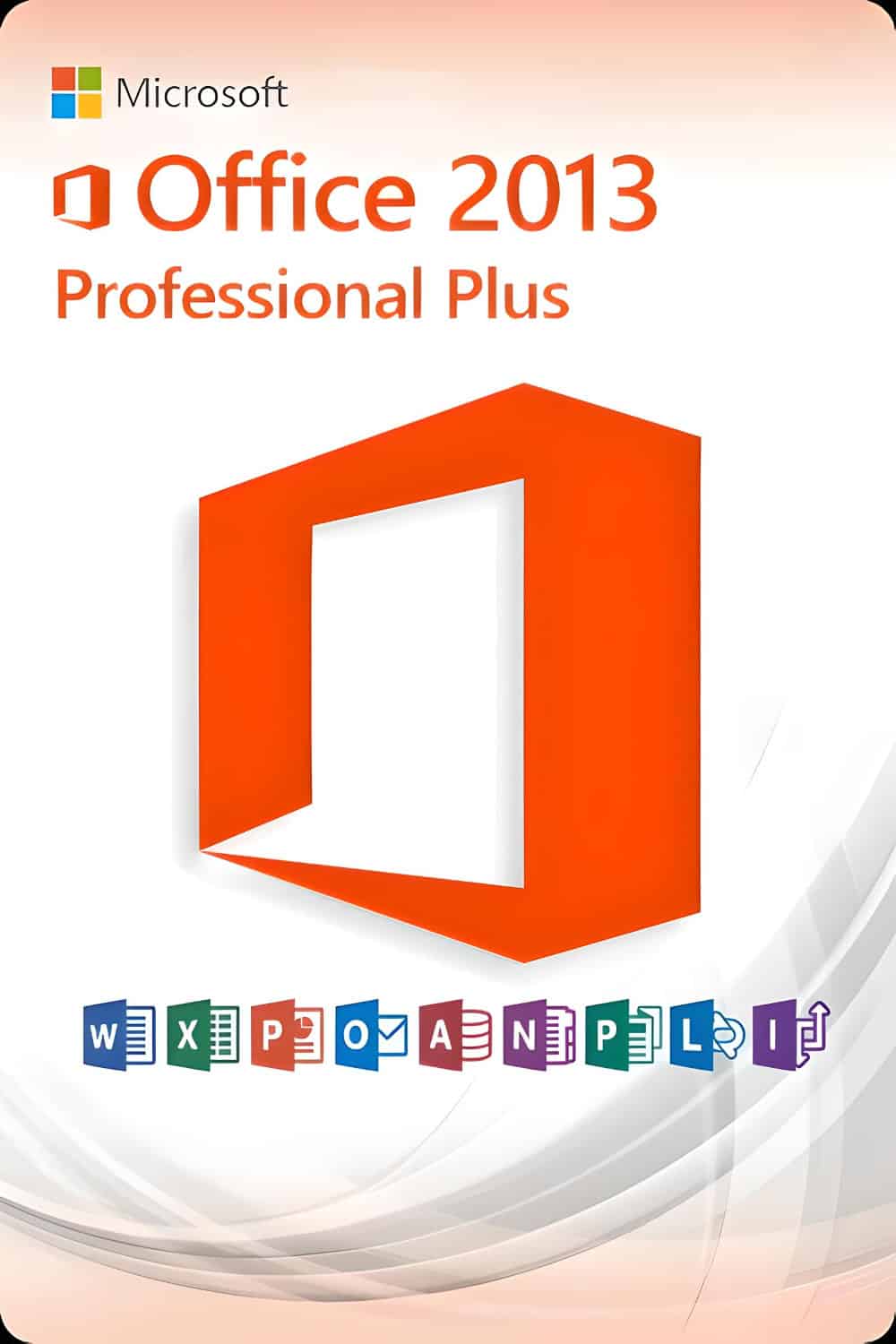










Thanks to its included programmes, Microsoft Office 2013 Professional Plus fulfils all the requirements for comprehensive office software. Whether it's creating letters, managing company data and spreadsheets, designing presentations, creating databases or organising emails for business and private projects, you can do it all in an instant with Office applications.
I programmi inclusi in Office 2013 Professional Plus sono: * Word * Excel * PowerPoint * Outlook * OneNote * Publisher * Access * InfoPath * SharePoint Workspace * Lync (ora Skype for Business)
- Word 2013 – for the creation and editing of texts and documents
- Excel 2013 – for the processing of data records in tabular form
- PowerPoint 2013 – for creating engaging presentations
- Outlook 2013 – for managing emails, contacts, schedules, and tasks
- OneNote 2013 – for the creation and management of notes
- Publisher 2013 – to easily create professional-looking publications
- Access 2013 – for the creation of databases with Internet access
Microsoft makes extensive use of the cloud in Office 2013. The suite allows users to save documents directly to Microsoft's SkyDrive cloud service. Thanks to this feature, a user can connect to a computer on which Office software is not installed and use Microsoft's Office Web Apps to access, edit, and share a document. The 2013 version of the suite does not require additional software components, which made the process cumbersome in previous versions.
Microsoft has made some welcome improvements to specific software elements within the Office suite. Among the enhancements introduced to Word 2013 is the ability to open PDF documents directly from within Word and edit them, which can be a real time-saver. It is also capable of actively reflecting text around pictures or videos as the user types. Word also features Simple Markup, a new review option that gives users a clean, simple view of a document, but with indicators for tracked changes.
What else?
The software also offers a reply button for comments, allowing users to discuss changes and keep track of comments within the text. The Excel 2013 spreadsheet software offers recommendations for the best options for charts. PowerPoint 2013 allows the user to navigate through the slides of a presentation while showing the audience only the current slide. Outlook 2013 offers inline replies to make email processing easier and allows users to view multiple contacts and their social network connections in a single view on “people cards”. OneNote 2013 takes advantage of touch-screen functionality to make note-taking easier.
System Requirements
- 1.4 GHz, 2-core processor
- Windows 7, Windows 8, Windows 10
- 1 GB (32-bit), 2 GB (64-bit) of RAM
- 3 GB of free hard disk space
- DirectX 9 graphics card for hardware graphics acceleration